
What should happen after someone fills in your contact form?
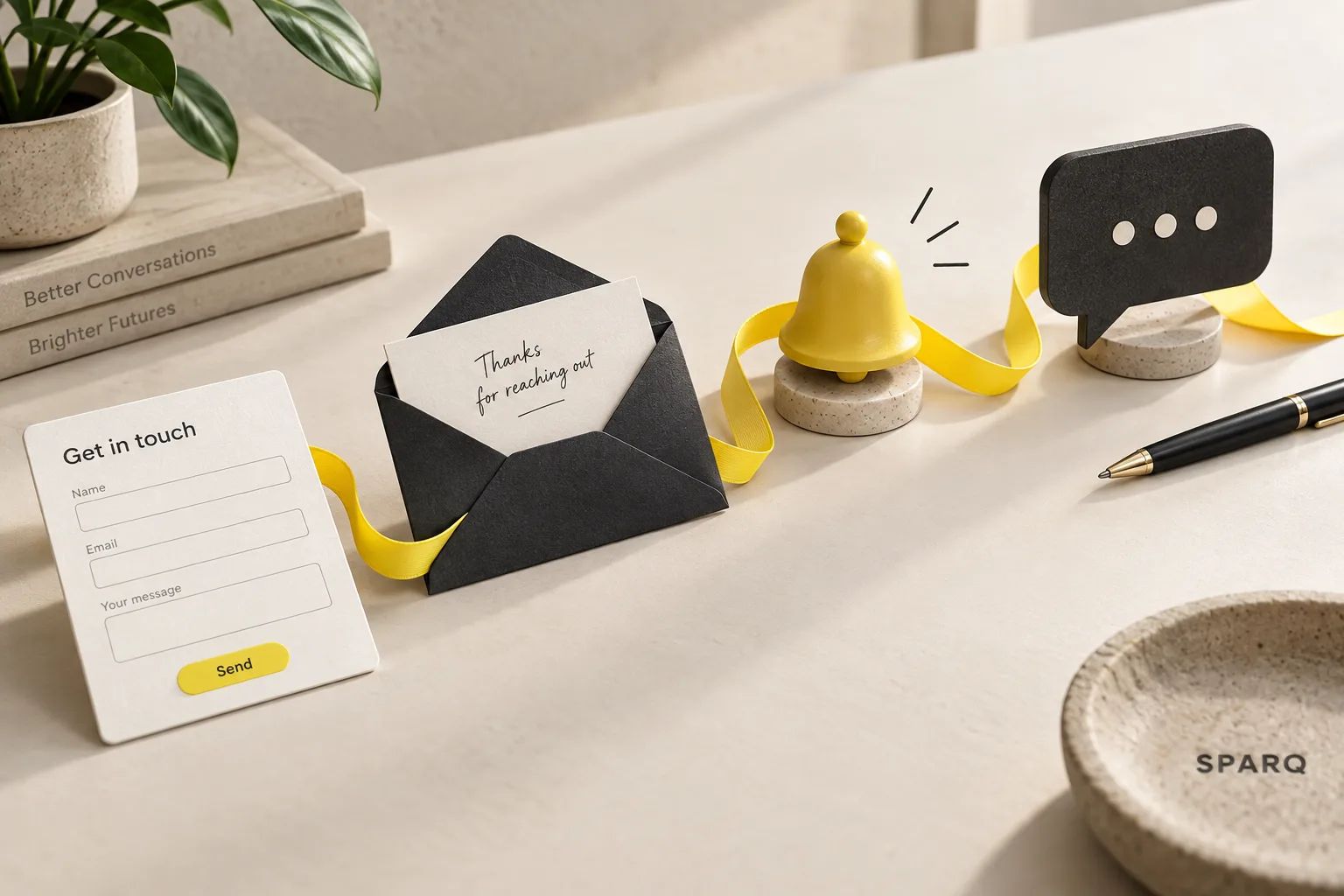
An enquiry arrives while you are teaching. Later, you cannot remember whether you replied or only read it. A website form can collect interest, but you still need a dependable way to move the conversation forward.
A useful process confirms receipt, saves the details, and makes the next action visible. It should help you respond personally without searching through several places to work out what happened.
Confirm that the message arrived
After a successful submission, show a clear confirmation. If you send an acknowledgement email, explain that it is a receipt and describe the next step.
For example: “Thanks for getting in touch. Your enquiry has been received. I’ll read what you shared and follow up personally.”
Only mention a response time if you can consistently meet it. Avoid suggesting that a booking is confirmed when someone has merely asked a question. These are different stages, and the wording should make that clear.
Keep the message short. The person does not need a copy of every detail they submitted, especially if their message includes personal information.
Keep one dependable record
An email notification is helpful, but the enquiry also needs a place where you can find its current status. Depending on your setup, that might be a contact system or a protected enquiry list.
Use simple stages such as New, Replied, and Closed. Record who owns the next step and when to review it. Check the list at a regular point in your working day. With a small number of enquiries, a protected list and a clear habit may be enough.
SPARQ’s own website enquiry setup saves the request, queues an acknowledgement, and notifies Nicky. He reviews the answers and follows up personally. The enquiry flow does not use AI to decide how to respond. This is our own implementation, not evidence of a client sales improvement.
Make failures visible
A person can submit a form successfully even if a later email fails to arrive. Your process should make that problem visible so the saved enquiry can still receive attention.
Before relying on the form, test it with an address you control. Check the confirmation, saved record, notification, and reply address. Try it on a phone too.
Also check what happens if someone presses Send twice. You want one clear enquiry to follow up, rather than several competing copies. After changing your email provider or form setup, repeat the complete test.
Connect the steps with SPARQ
If the form, inbox, and follow-up feel disconnected, SPARQ can review that journey and build the agreed connections. A project can include the form, notifications, appropriate follow-up, testing, and handover. Nicky agrees the scope with you first, so the work centres on the gap you need to fix.
Frequently asked questions
What should an automatic confirmation email say?
Confirm receipt, identify the business, and explain what happens next. Keep promises realistic. If the message is automatic, make that clear so the reader does not confuse it with a personal assessment of their enquiry.
How can I stop enquiries getting lost?
Save them in one dependable place, assign someone to follow up, and regularly review unanswered requests. Test notifications and look for failures. A clear record and a review habit work together; an inbox notification alone can still be missed.
Should a contact enquiry start my welcome email sequence?
An enquiry and a newsletter signup have different purposes. Answer the request personally and keep any marketing choice separate. Someone asking about your service should not unexpectedly receive a series intended for people who requested a resource.
Your next step
Show Nicky where enquiries currently go. Include your page link and explain which step you keep handling manually or losing track of. He will follow up personally to discuss the gap.
Related reading: AI and automation: what is the difference?