
AI and automation: what is the difference?
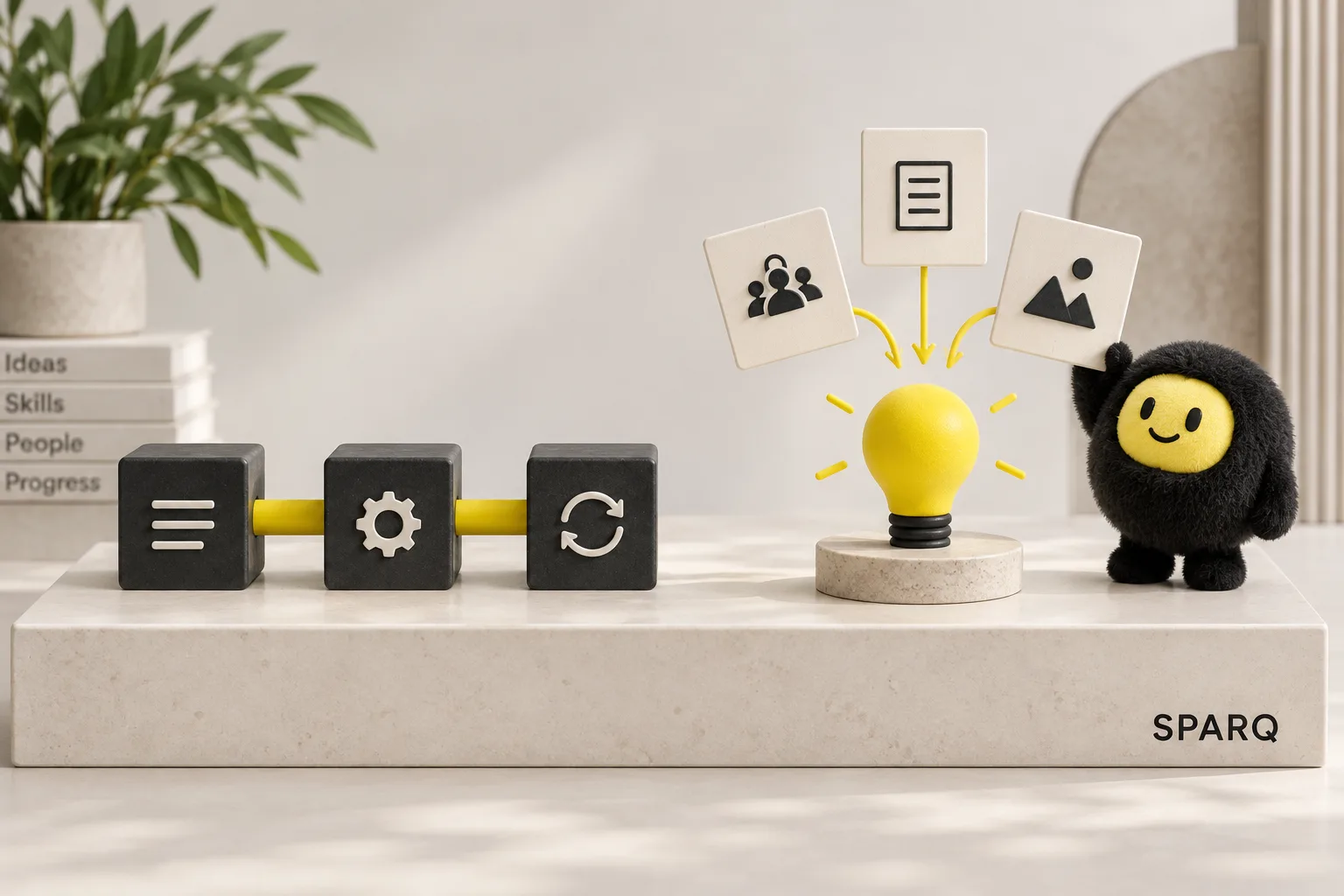
Your booking links, intake forms, and client notes already live in different places. Adding AI sounds useful, but could also give you one more thing to manage. First decide which task needs help.
Automation makes a task happen according to a rule. AI can help draft or summarise varied information. A session reminder may only need a fixed template and a trigger. Preparing notes from several intake answers may benefit from AI and your review.
Automation follows a process you define
A simple automation has a beginning and an action: “When this happens, do that.”
For example, when someone submits a workshop registration, the system can save the details and send a confirmation. The wording can come from a fixed template, with the person’s name and workshop date added from the form.
There is no need for AI to invent a new confirmation each time. A clear template can make the message easier to check and maintain.
This is especially useful when you already know what a correct result looks like. A booking belongs on the right calendar. A confirmed cancellation should stop the reminder.
AI can help when the input varies
Now imagine people describe their needs in their own words. One writes a paragraph about a website project. Another sends a long explanation of a delayed course launch.
An AI step could suggest a short summary for you to review. It could also prepare a possible reply using the details you provide. You would agree the content and review steps before using a workflow like this.
The output needs checking because AI can misunderstand context or add information that was never provided. A confident sentence is not evidence that it is correct. Review especially closely when a draft mentions prices, availability, commitments, or personal circumstances.
Combine them where it makes sense
A possible enquiry process could work like this:
- The form saves the original message.
- AI prepares a draft summary.
- You read both the message and summary.
- You decide what to send back.
Before building, compare the effort with and without AI. If you receive two short enquiries a week, reading them yourself may be simpler. If longer messages take time to prepare, test a summary on examples you are allowed to use. Count review and correction time too.
For any AI step, decide what happens when it produces an unclear answer or fails. The original enquiry should still be available, and someone should know that it needs attention.
Choose the right approach with SPARQ
When you are unsure where AI belongs, SPARQ’s Systems Audit reviews your existing tools and customer journey. You work through the options with Nicky and receive a written plan ranking the next actions. If a build makes sense, its scope is quoted separately. You can also use the plan to make changes yourself.
Frequently asked questions
Does every automation need AI?
No. Sending standard messages, creating calendar entries, and moving information between tools can often use fixed rules. Add AI when working with varied information creates a useful reason for it, and when you can review the result appropriately.
How do I know whether AI is worth adding?
Try it on one repeated task and compare the complete effort, including checking and corrections. If a template handles the job reliably, keep it. AI is useful when it improves the work enough to justify its cost and upkeep.
When is a simple rule better than AI?
A rule is useful when the decision is clear and consistent. If a person selects “website help” on your form, you can place their enquiry in that category directly. You do not need AI to guess the choice they already made.
Your next step
Tell Nicky about the task or tool decision you are weighing up. Explain what you do now and what you would like to make easier. He will follow up personally.
Related reading: What should I automate first?